Live shopping lets a customer talk to a real salesperson in real time while they browse your store. This page explains what it is, how the one-to-one video version works on a Shopify store, and exactly what BeamCart does during a call.
Live shopping, defined
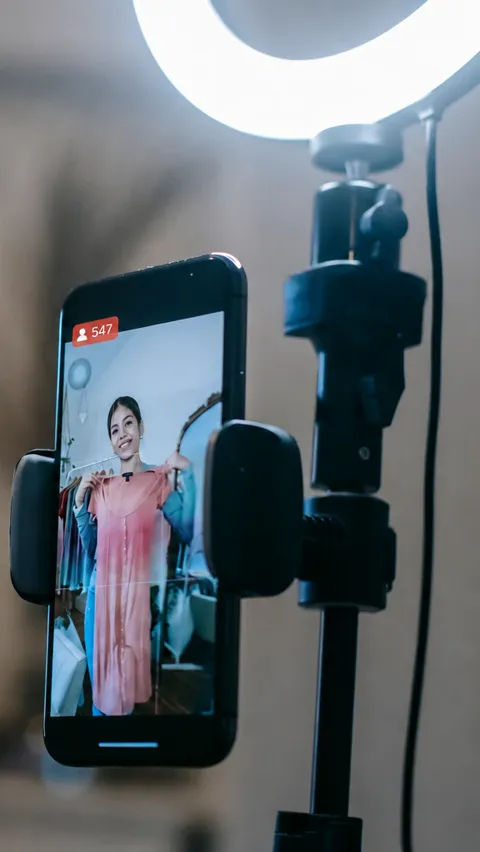
Live shopping is online selling where a shopper talks to a real salesperson in real time while browsing a store. It takes two forms: one-to-many, where a host broadcasts to an audience, and one-to-one, where a single customer speaks privately with a single advisor.
The two work differently. A broadcast is a scheduled marketing event played to an audience. A one-to-one call is started by the shopper, at the moment they have a question about a specific product. BeamCart is the one-to-one kind.
What is 1:1 live shopping?
One-to-one live shopping is a private video call between one shopper and one store employee, started from the storefront. The shopper clicks a button, an available advisor picks up, and the two talk while looking at the same products.
It is the in-store salesperson moved onto the website. The advisor is a member of your existing team, answering from the same catalogue the customer is browsing.
How is live shopping different from live chat?
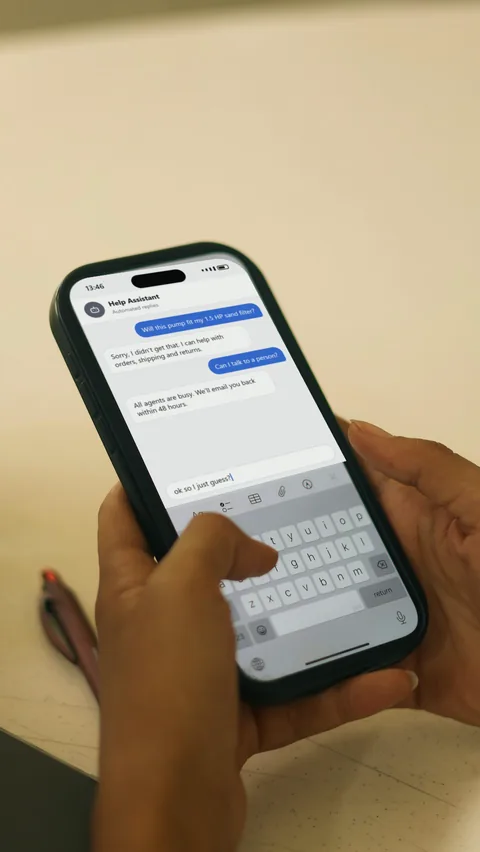
Live chat is typed text. A BeamCart call is voice and optional video, and the advisor can act on the store directly: sharing their screen, showing a product sheet and adding products to the customer’s cart while they talk.
How does live shopping work on a Shopify store?
With BeamCart it takes three steps: the customer clicks a button on your store, an available advisor picks up from their console, and the advisor pushes the right products into the customer’s cart during the call.
The customer clicks a button
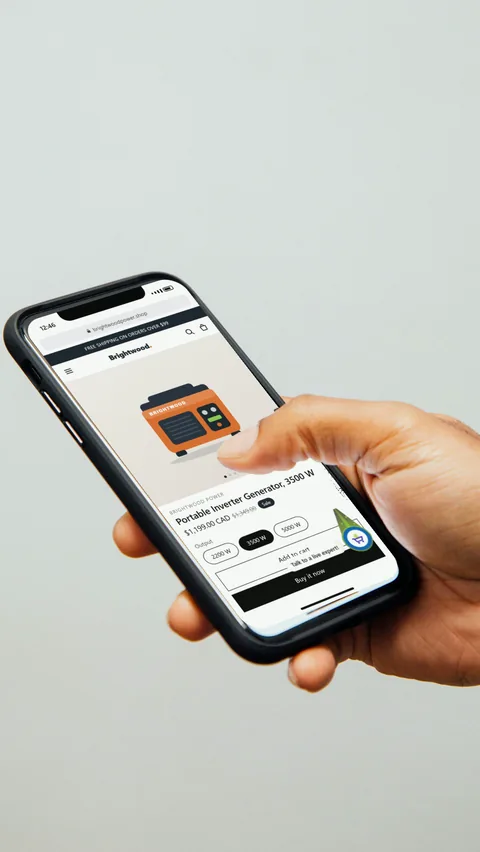
On your store, a “Talk to a live expert!” button starts the call. It greys out when no advisor is free.
An advisor connects
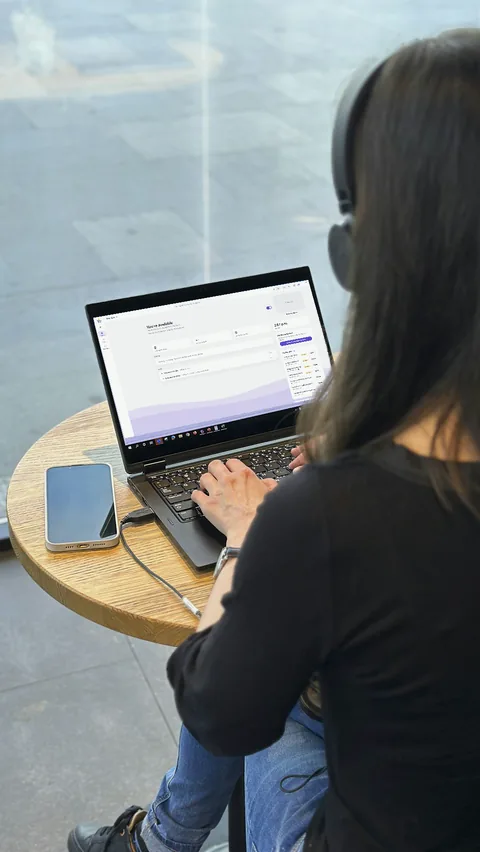
An available advisor picks up live from their console. No account to create, no app to install, no appointment to book.
The advisor fills the cart
The advisor pushes products directly into the customer’s cart. All that is left is to check out.
Does the customer need to install an app?
No. There is no account to create, no app and no download. The customer taps the button and lands with a member of your team.
There is nothing to install on the advisor side either. The console runs in the browser, on desktop and on tablet.
Does the customer have to turn on their camera?
No. Only the microphone activates automatically. The camera stays optional, so a customer can talk to an advisor without appearing on video.
Can the customer keep shopping during the call?
Yes. The customer can keep browsing the site while the call is running. Every product the advisor pushes appears in their cart straight away, and they remain free to remove it before checking out.
Adding to the cart is built to avoid mistakes and leave the decision with the customer.
How long does a live shopping call last?
Most calls run between one and eight minutes. The advisor can see the page the customer is on before picking up, which cuts the setup short.
What can the advisor do during a call?
The advisor can share their screen, show a product sheet, search your catalogue, add products to the live cart, and transfer the call to another advisor.
Screen sharing
Show a page or a product sheet during the call, without interrupting the conversation.
Real-time cart and catalogue search
Drop recommended products straight into the customer’s cart, with search built over your catalogue to find the item quickly.
Appointments and transfers
Video appointments by invitation link, and call transfers between advisors.
Can a live shopping call be booked in advance?
Yes. An advisor can start a call on the spot, or schedule a meeting for whenever suits the customer best. Customers are invited to join with a link that can be shared anywhere.
What does an advisor need to answer calls?
A browser. The console runs on desktop and on tablet with nothing to install. Advisors see the queue of waiting calls and pick up from there.
An alert appears in the console and a notification is sent to their phone. Both fire as soon as a customer joins the queue, so the team can stay on top of it at a desk or away from one.
When does the call button appear on the storefront?
Only when an advisor is actually available. The button is hidden the rest of the time, so a customer is never offered a call that nobody can answer.
How are live shopping sales measured?
Sales closed during a call are attributed to the advisor who handled it. Reporting covers call volume, call length, peak hours and missed calls, alongside a complete activity history for traceability.
Data can be exported as a CSV file.
What does live shopping cost on Shopify?
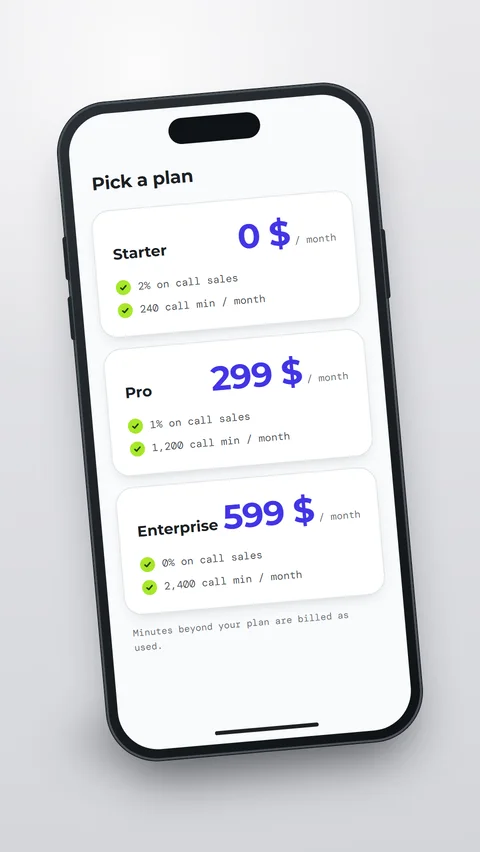
BeamCart has three plans: Starter at $0 per month, Pro at $49 per month and Enterprise at $99 per month. Pro includes a 30-day free trial.
Ready to see BeamCart in action?
Install BeamCart to start talking with your customers today.